
Swap sides, go full screen, and line up the next match
A player wrote in this week with three good questions: can the scoreboard switch sides, can the iPhone or iPad keep score separately from the Apple Watch, and can the next team be set up before they play? Here is what badmintho does today, and what it does not do yet.
Swap the sides on the watch
When the players change ends, the score buttons on your wrist can follow them. In the watch app, open Settings and turn on Mirror sides. The two score buttons swap places to match where each side is standing.
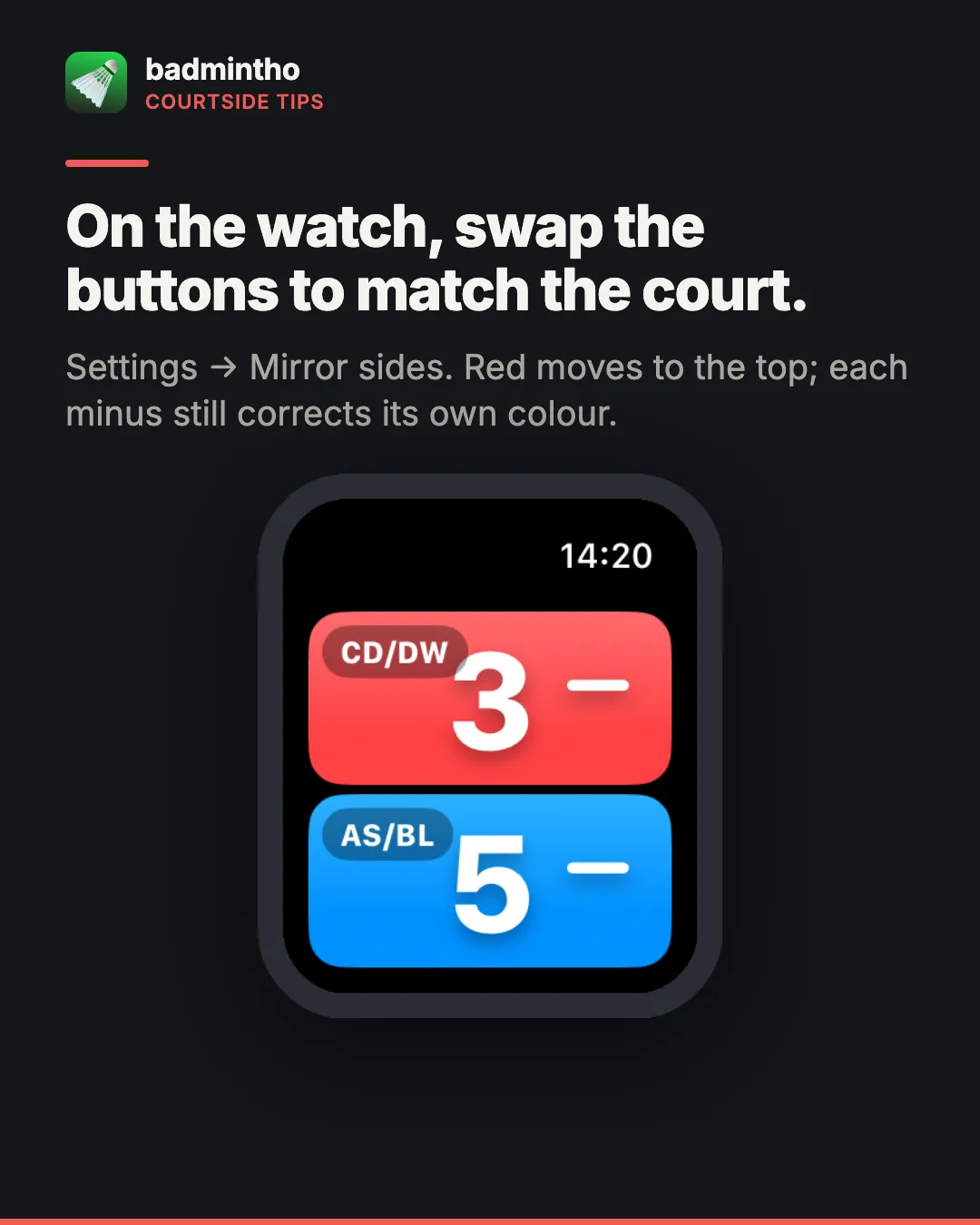
Only the positions change. Blue is still blue and red is still red, so the match record and the phone agree on who scored, and each minus button still corrects its own colour.
On iPhone and iPad there is no swap yet. Blue is always at the top, or on the left when you turn the device sideways.
A full-screen scoreboard
During a match, tap the yellow arrows button next to End. The phone or iPad switches to a full-screen scoreboard: each side’s names, a large score, the games won and who is serving, in the two team colours. It is easy to read from the other side of the court.
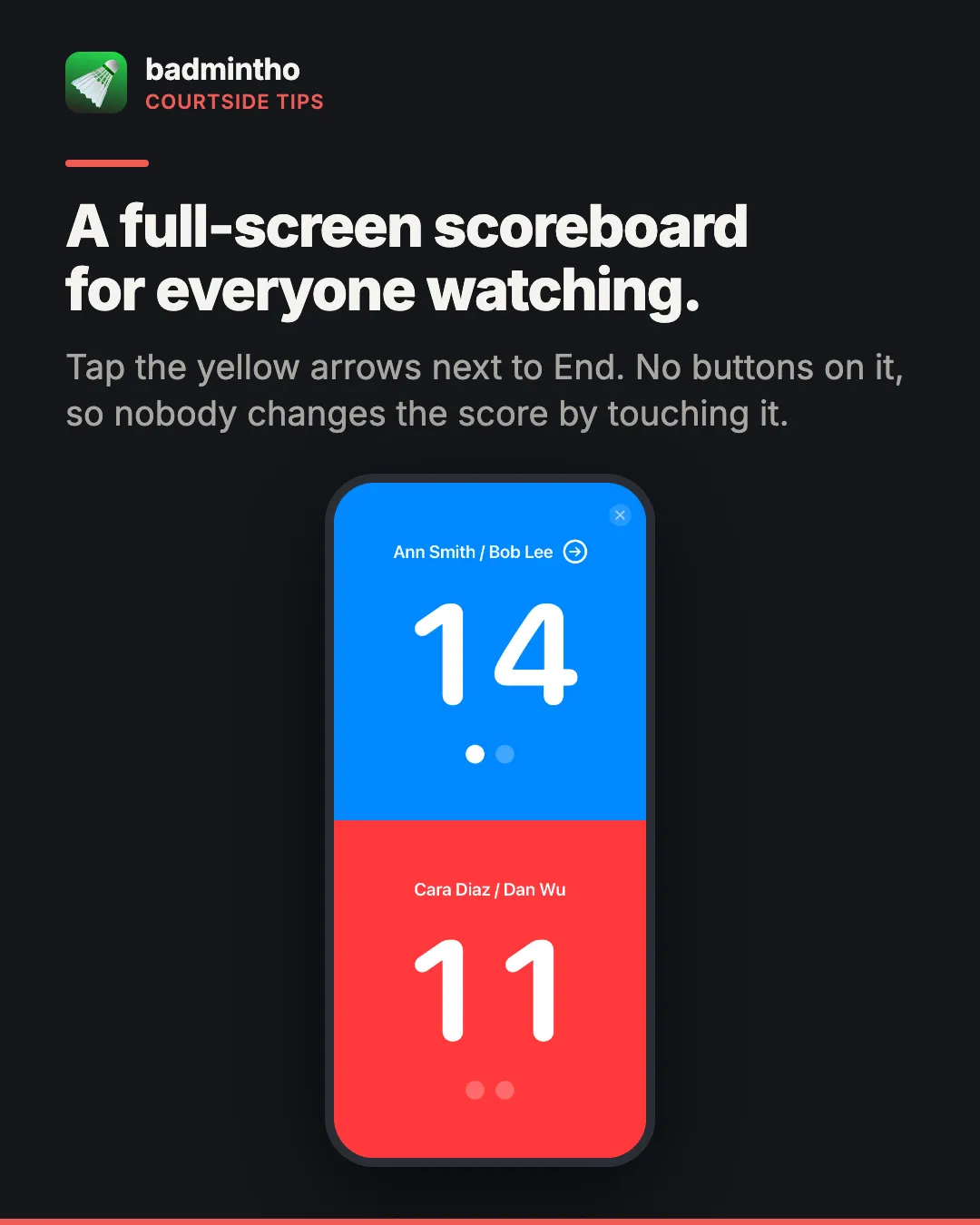
The scoreboard only shows the score. It has no score buttons, so a spectator can’t change the match by tapping it. With AirPlay screen mirroring it shows on a TV too.
iPhone, iPad and Apple Watch together, or apart
badmintho keeps your iPhone and Apple Watch on the same match. Start a match on the phone and the watch joins it if the badmintho app is open on your wrist. Start one on the watch and the phone follows if badmintho is open on its Play screen. That is what lets you score from either and see the same numbers on both.
The other side of that is that one iPhone and its watch can’t keep two different matches at the same time. If you run more than one court, use an iPad for the second. An iPad can’t pair with an Apple Watch, so its scoreboard is completely independent.
If you score on the iPhone without your watch, you can turn off the reminder that the watch isn’t recording: Settings → Apple Watch.
Get the next match ready quickly
badmintho can’t queue the next team in advance yet. What makes the change between matches quick is saving everyone once.
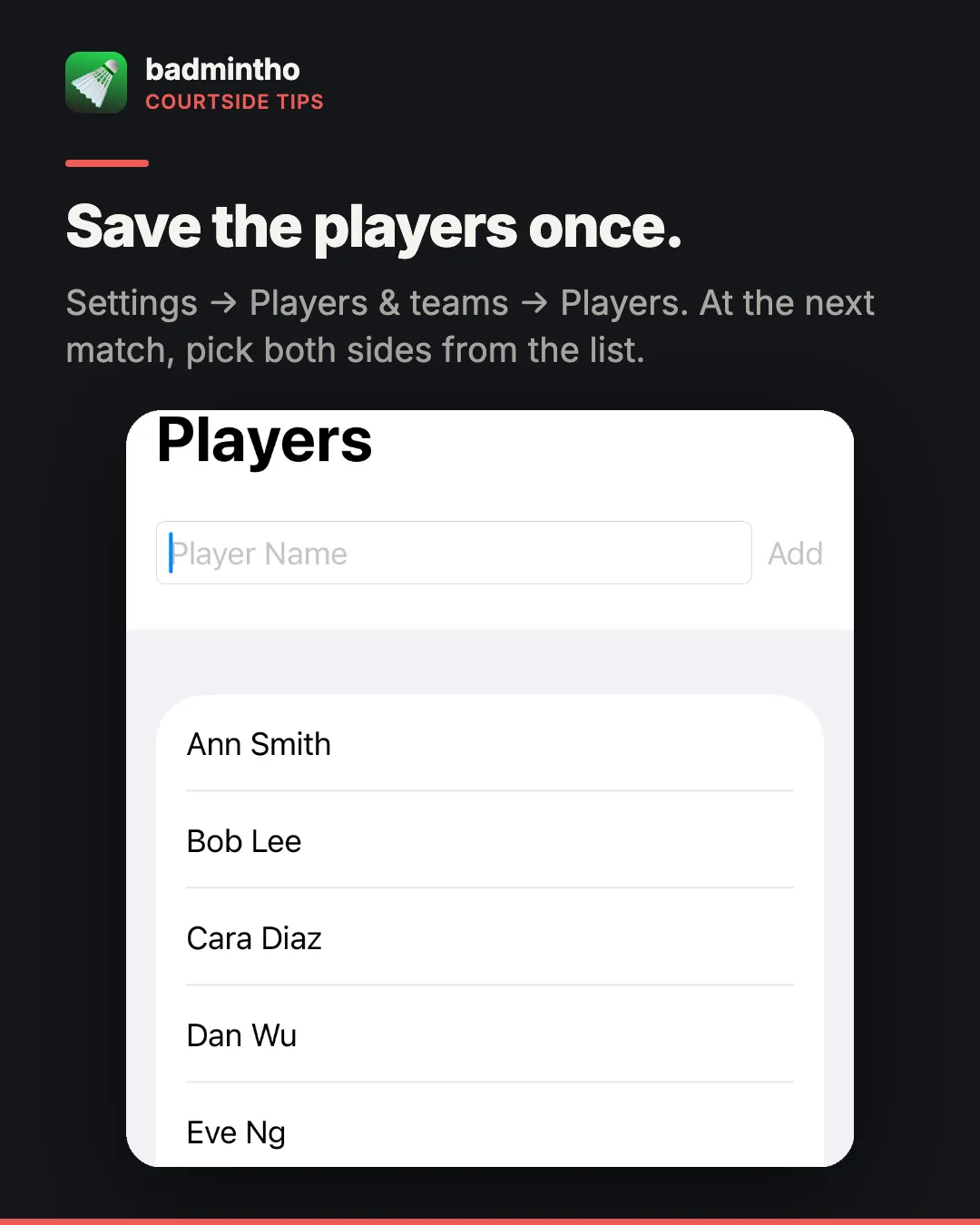
- Add the names in Settings → Players & teams → Players, or
- when a match starts, tap Add Player and type a name in the New player field. It is saved and put on that side at once.
When the next team walks on, tap Play, choose Singles or Doubles, and pick each side from the list. The names then show on the score screen, the watch, the full-screen scoreboard and in your match history.
What we heard
Three requests are on our list: a side swap on iPhone and iPad, keeping the phone and watch on separate matches, and a queue of teams waiting to play. If one of them matters to you, tell us. Requests from players decide what gets built next.
More
- badmintho scoring rules — how a rally, a game and a match are scored
- badmintho FAQ — Apple Watch, jumps and match history
- badmintho support — questions and requests
badmintho is free and runs on iPhone, Apple Watch and iPad with iOS 18.0 or later.